
Add a Token into the Watchlist
1
Open the token Insights page.
Follow this section to open the token insight page.
2
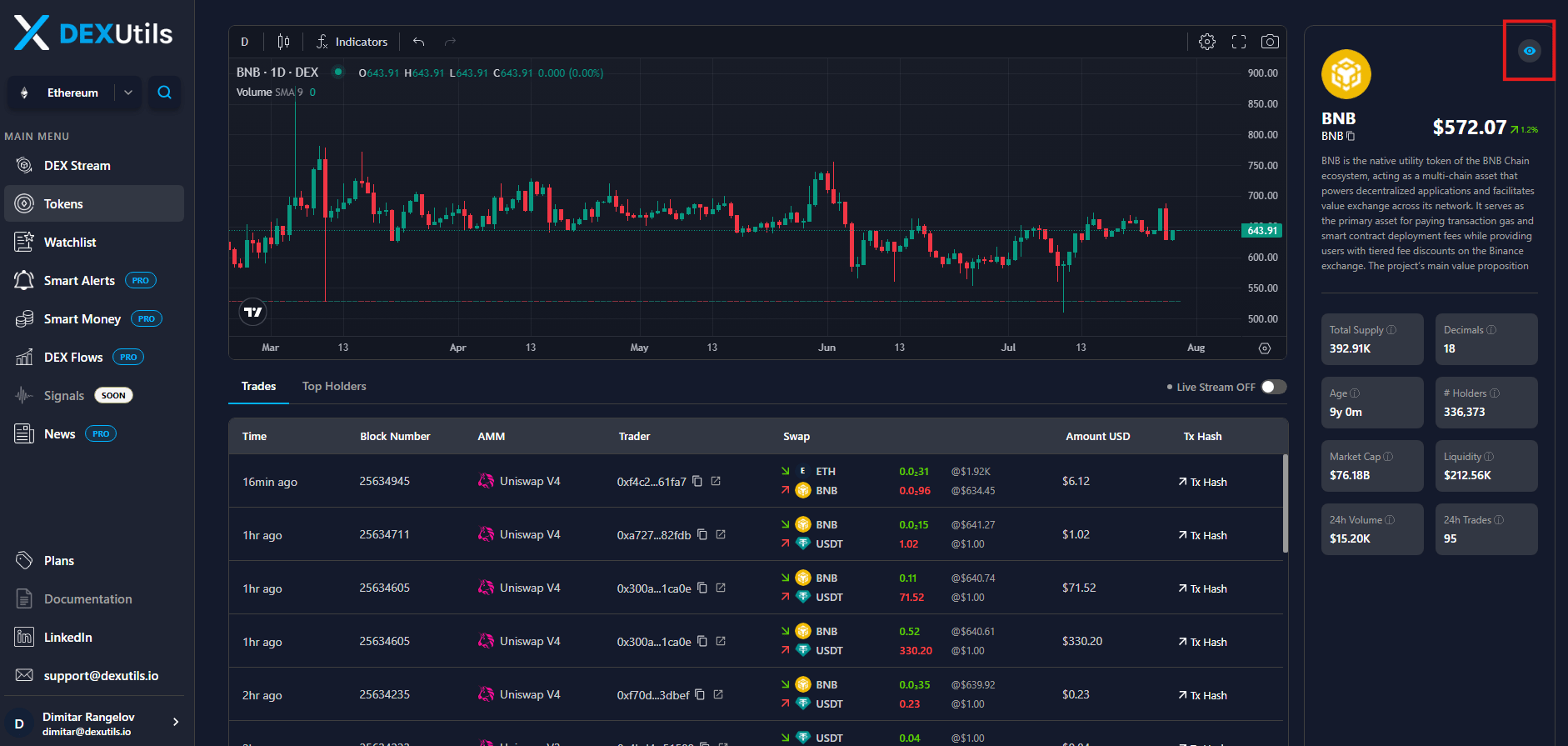
Click the eye icon in the left panel. The token is added in the watchlist.
3
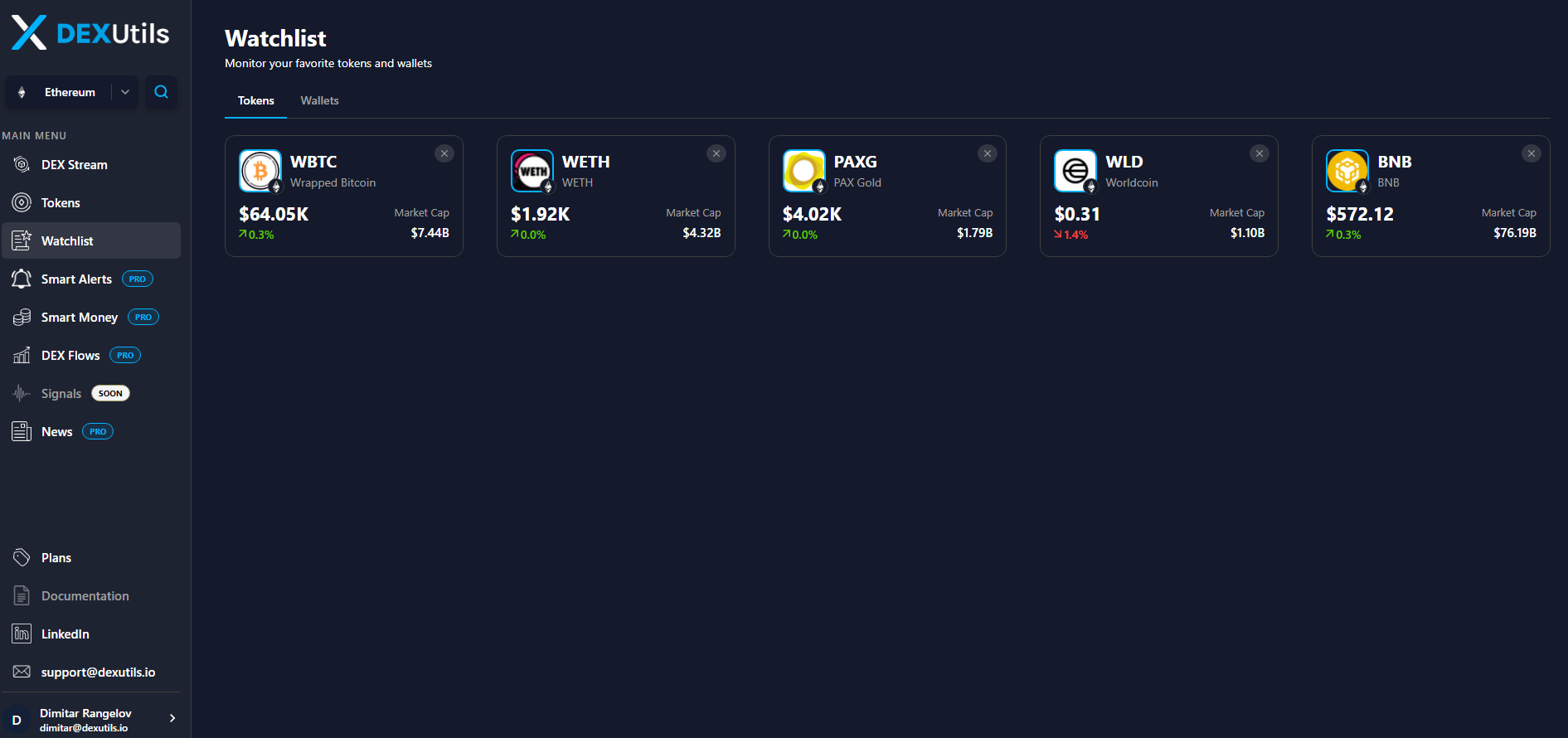
Open the Watchlist page to monitor all your tracked tokens in one place. View each token's current price, price change, and market cap at a glance, making it easy to stay informed about market movements and quickly identify important changes.
Remove a Token from the Watchlist
To remove a token from your watchlist, either click the X icon next to the token on the Watchlist page or click the eye icon again on the token insights page.Add a Wallet into the Watchlist
1
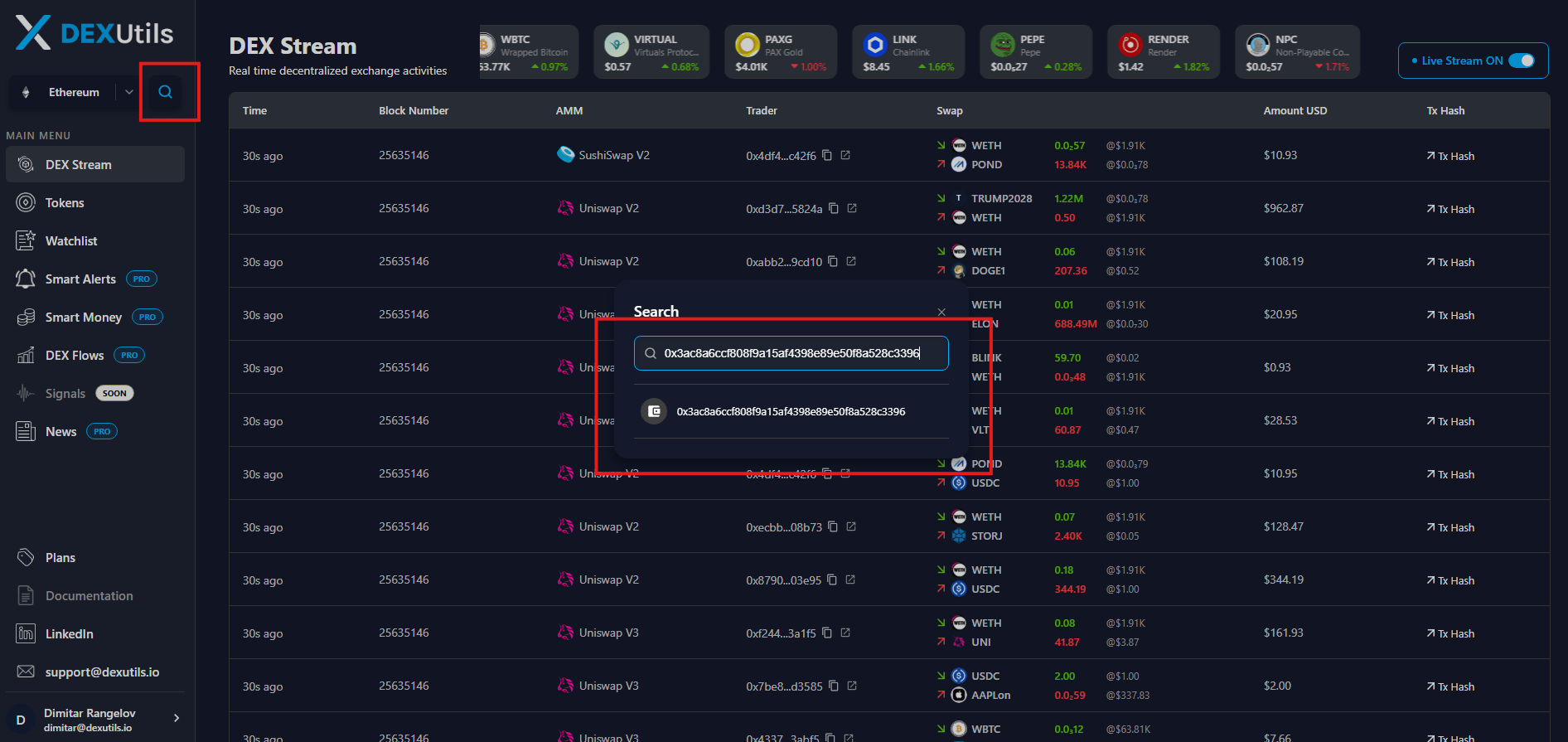
Open the wallet portfolio page.
Follow the the section to open the wallet portfolio page.
2
Click the eye icon in the top panel. You will be asked to input the note. The wallet is added in the watchlist.
3
Open the Watchlist page to monitor all your tracked wallets in one place. View each wallet's total holding at a glance.
